Snake
Eat, grow, and steer clear of the walls and your own tail.
About Snake
Snake is the classic arcade game, rebuilt for your browser. You guide a growing snake around the board, eat food to score points, and avoid crashing into the walls or your own body. There is nothing to download and no account to create, and it works on phones, tablets and computers.
Every piece of food makes the snake longer and a little faster, so a calm start turns into a real test of focus. Your best score is saved on your own device, so you can come back and try to beat it.
How to play
Steer the snake to the red food. Each piece scores 10 points, makes the snake longer and speeds the game up slightly. The game ends when the snake hits a wall or its own body.
- Keyboard
- Arrow keys or W, A, S, D steer the snake. Space starts a new game. P or Esc pauses.
- Touch
- Swipe in the direction you want to turn. Tap the board to start. The game pauses by itself if you switch apps or tabs.
- Mouse
- Click the board to start, then steer with the arrow keys.
Features
- Smooth controls for keyboard and touch, with up to two turns queued so quick moves are not lost
- A snake that speeds up as it grows, up to a fixed top speed
- Best score saved on your device, with nothing uploaded
- Sound effects with a mute button, and automatic pause when you leave the tab
- A board that scales to any screen size
High score tips
- Look ahead of the head, not at it. Spotting a turn early gives you time to plan the next one.
- Use queued turns for U-turns. Two quick swipes or key presses in a row make a tight turn in one go.
- Sweep the board in rows. Moving in long, even passes keeps open space on both sides as the snake grows.
- Keep an escape route. Before you go for food, check that the snake will not box itself in.
- Pause to rest your thumbs. P or Esc pauses on a keyboard, and the Pause button works on any device.
More games
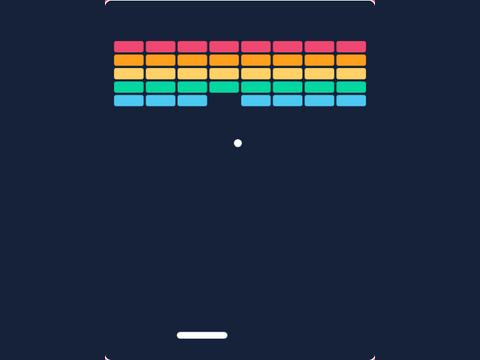
Brick BreakerBounce the ball, break every brick, and beat your best score.Arcade · Play now
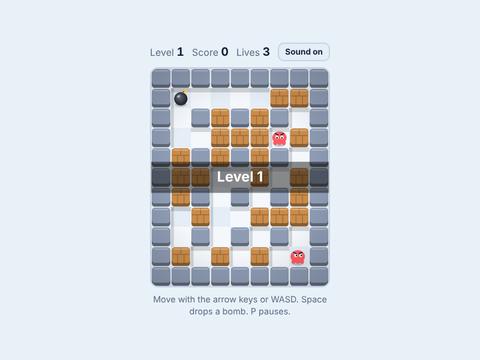
Bomb BlastDrop bombs, blast the bricks and outsmart every enemy in the maze.Action · Play now
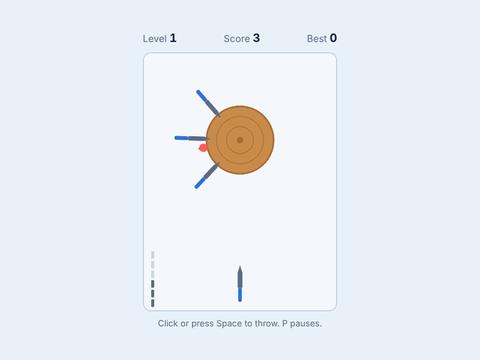
Knife TossTap to throw knives at a spinning log without hitting another knife.Skill · Play now
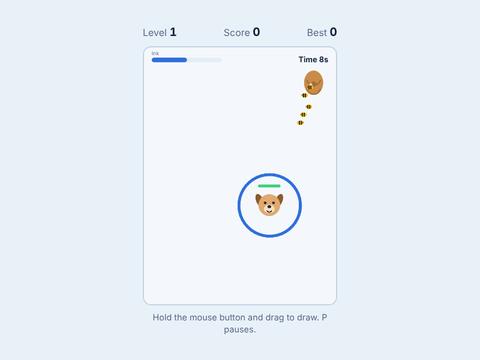
Save the PupDraw a shield with your finger or mouse to keep the pup safe from angry bees.Puzzle · Play now
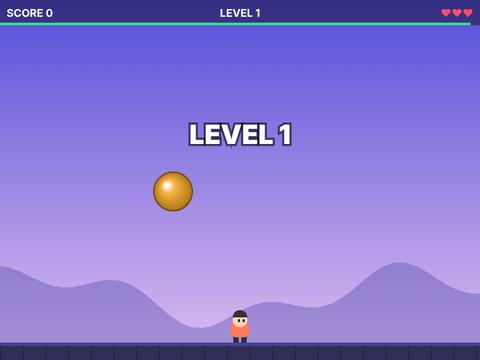
Bubble BusterPop every bubble before it pops you, and grab power-ups along the way.Action · Play now
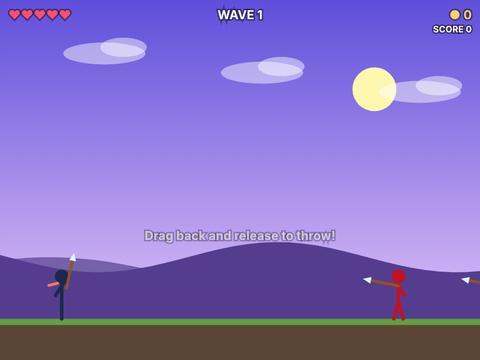
Spear DuelAim, throw and survive waves of stickman spear throwers.Action · Play now